
Local business data, shared across your stations
Makhazeen runs on Windows and stores the business database on the main PC. Other authorised stations use it over the local network, while internet access remains optional for core operations.
One main PC, connected checkout and management stations
The main PC hosts the database and can also be used for sales. Licensed stations on the same local network work with the same products, stock, customers and employee accounts.
- Needs internet
- Optional cloud backup & sync
- Doesn't need internet
- Selling, stock, purchases, customers, documents, reports, local backups
Internet (optional)
Optional cloud backup & sync
Main PC (server)
Holds the database. Sells like any other till.
Till 2
Till 3
Back office
Internet cut? Every till keeps selling. Only the optional online services wait.
Main PC off? Other tills can't reach the database. Keep the main PC on during opening hours.
From installer to first sale
The setup assistant configures the main computer, business, administrator, first stock location and station. Remote or on-site assistance is available when required.
- 1
Install on the main PC
Download the Windows installer and run it on the computer that will host your data.
- 2
Activate your licence
Activate online in seconds, or offline from the licence screen if the PC has no internet.
- 3
Choose server or client
The first PC becomes the server. Each extra till is installed in client mode and joins over the LAN.
- 4
Enter your business
Shop name, address and tax identifiers, used on receipts, invoices and delivery notes.
- 5
Create the administrator
Your owner account. Add cashiers and managers with their own permissions afterwards.
- 6
Set your warehouse & station
Define the primary warehouse and the station settings: printer, auto-print, negative stock…
- 7
Add your products
Create products, import them, or pick common items from the bundled Open Food Facts catalogue.
- 8
Start selling
Open the register, scan the first item and print your first receipt.
From opening float to end-of-day review
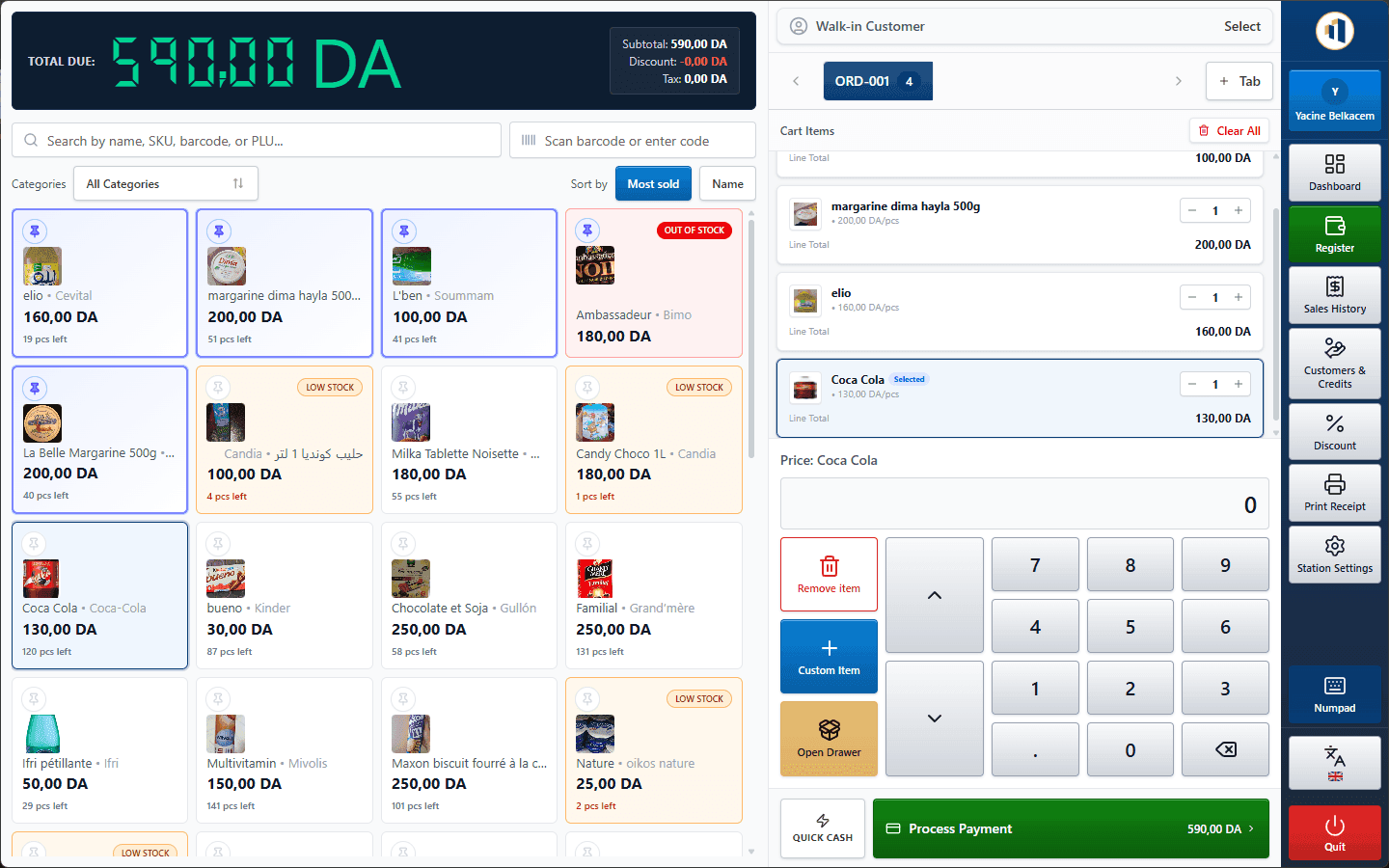
Sales, receiving, customer credit and cash movements feed the records used for register closing and management reports.
Opening
The cashier signs in and opens the register shift with the opening float (shift module).
All day
Scan, sell, take cash, card or credit. Stock and customer balances update with every sale.
Deliveries
The buyer receives a supplier purchase: stock and cost prices update, and the supplier balance is tracked.
Closing
The cashier counts the drawer. Makhazeen compares expected vs. counted cash and records the difference.
Evening
The owner reviews sales, margin, low stock and exceptions, from any station in the shop.
Month end
Export a multi-sheet Excel workbook and PDF reports for the accountant.
Plan installation and data preparation
Tell us about your current products, computers, printers and staff so we can define the installation, import and training work.
See whether Makhazeen fits your operation
Tell us how many stations and stock locations you use. We will prepare a clear licence quote, or demonstrate the relevant workflows first.