
Download Makhazeen for Windows
Use the same Windows installer for the main computer and additional stations. A valid licence is required during setup.
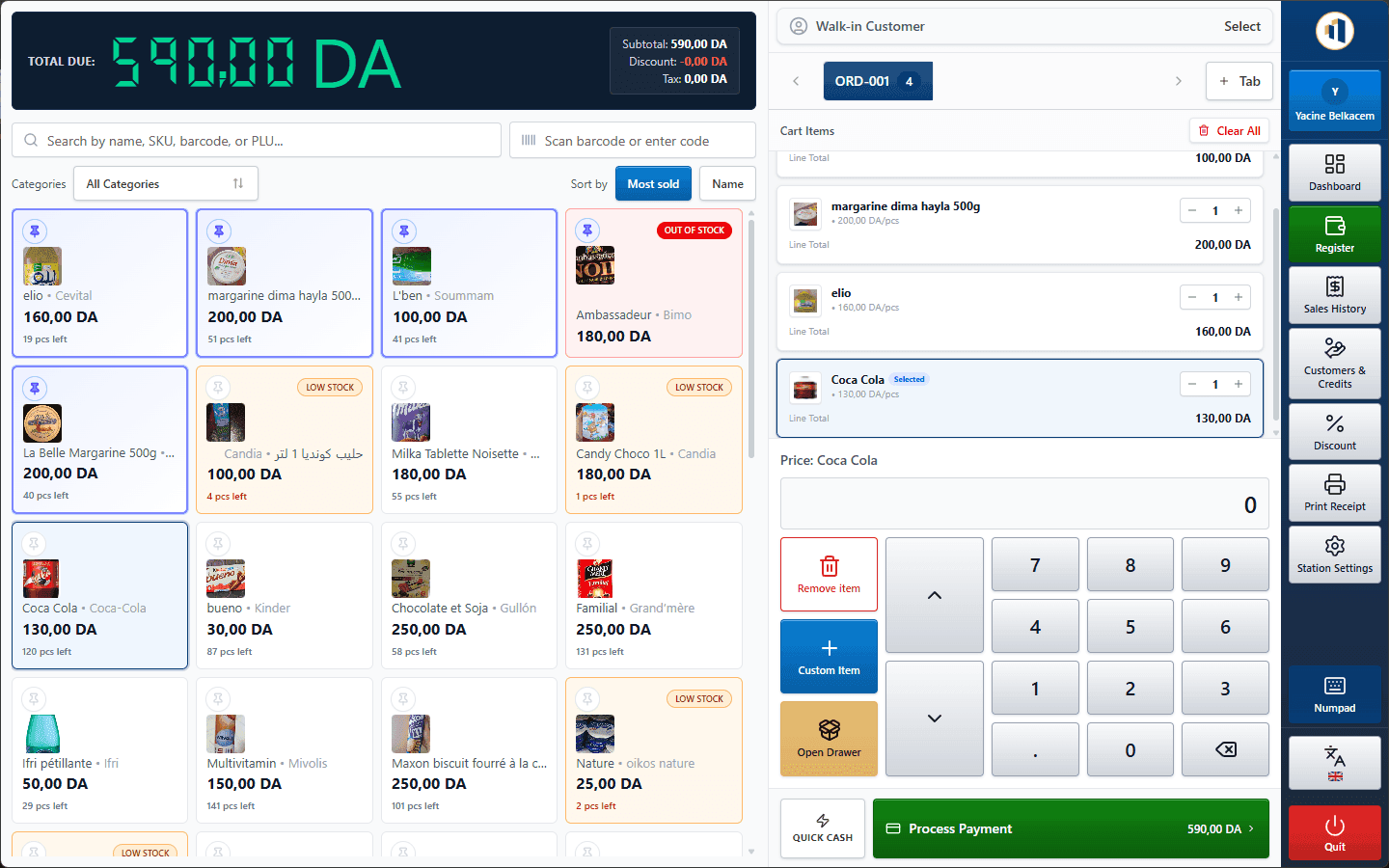
Install in four steps
Prefer help? We can install it with you remotely or at your shop.
- 1
Download the installer
Click the download button and save the setup file on the PC that will be your main station.
- 2
Run the setup
Open the file and follow the installer. If Windows SmartScreen asks, choose “More info” then “Run anyway”.
- 3
Follow the guided setup
Activate your licence, choose server mode, enter your business details and create the administrator.
- 4
Add other tills (optional)
Install Makhazeen on each extra PC, choose client mode and connect to the main PC on your network.
Recommended configuration
- Operating system
- Windows 10 or Windows 11 (64-bit)
- Processor
- Dual-core or better
- Memory
- 4 GB RAM minimum, 8 GB recommended for the main PC
- Storage
- 2 GB free space, plus room for backups
- Network (multi-till)
- All stations on the same local network as the main PC
Peripherals
Barcode scanner
USB scanners that type like a keyboard work at the register.
Receipt printer
Thermal receipt printers installed in Windows, configured per station.
Label printer
Print barcode labels for your products from the catalogue.
Buying new hardware? Ask us first and we'll confirm compatibility.
Only download from this website
Official Makhazeen installers are only distributed here and by our team. Never install a copy received from an unknown source.
Stuck during installation?
Send us a message on WhatsApp or through the contact form. We reply quickly during business hours.